Reading that fills the screen
Minimal reader chrome keeps the book dominant, with progress and controls available on demand.

A quiet place for your books.
Import EPUB and TXT files, settle into the page, and listen aloud whenever your eyes need a break. No feed. No public profile. Just the book.
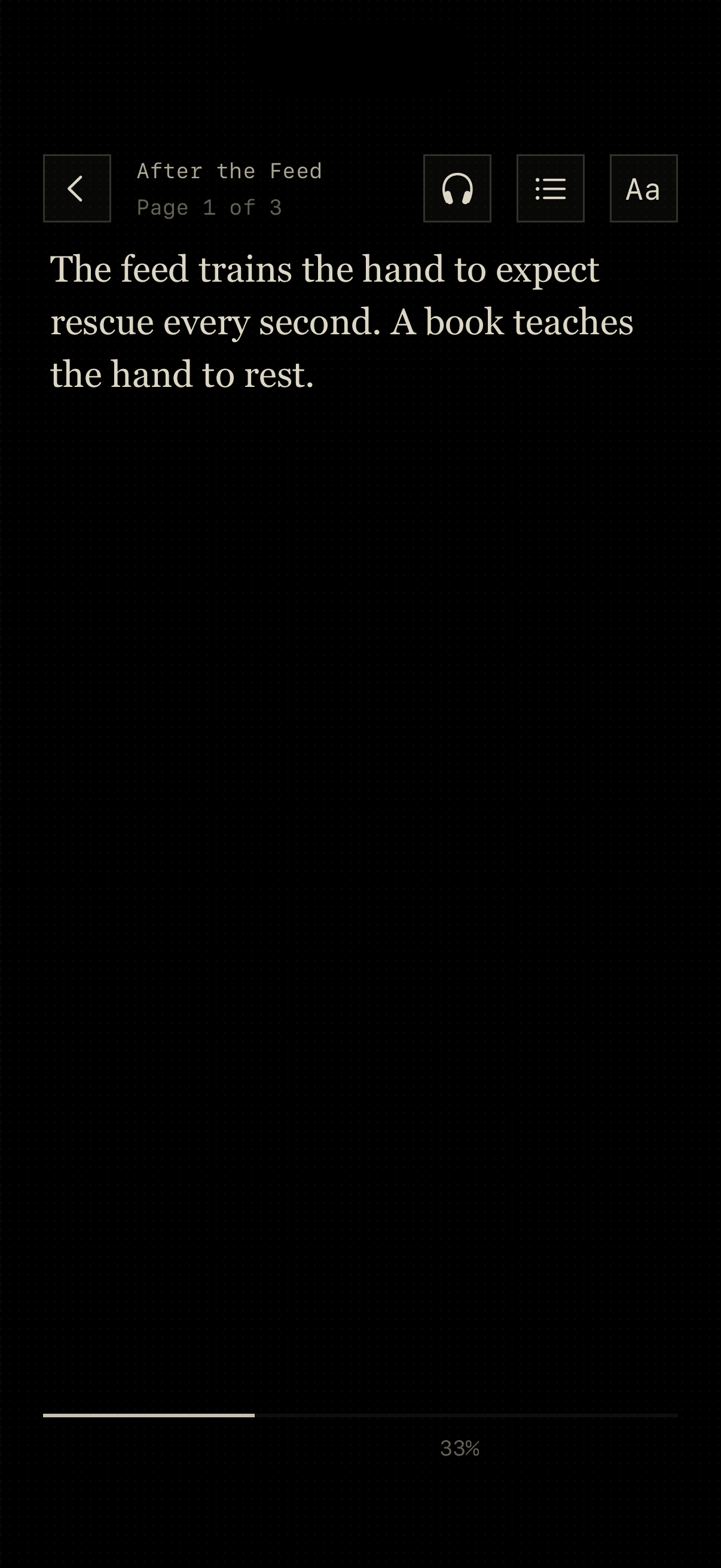
Papyrus gets the controls out of the way, then brings them back when you need them. Choose a theme, tune the type, or start listening without turning reading into a dashboard.
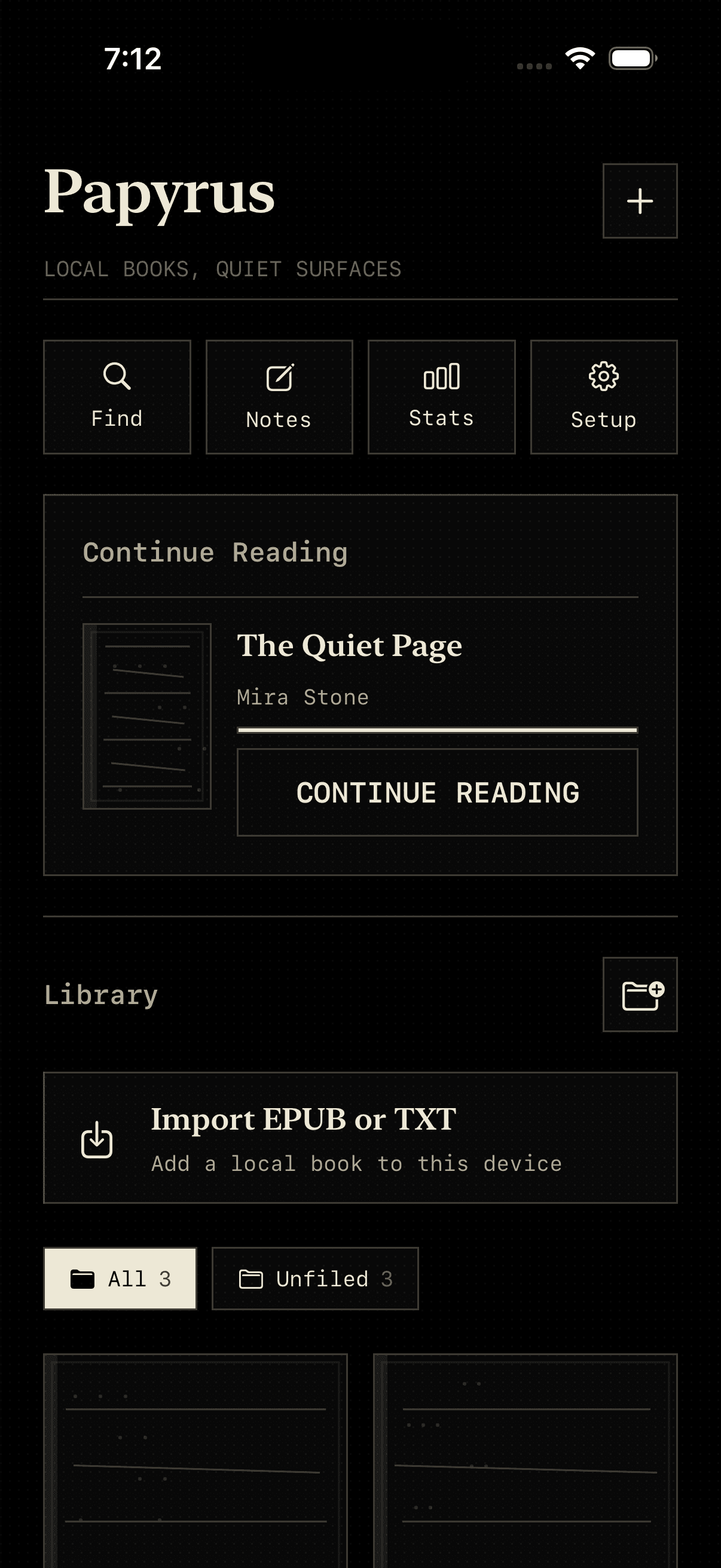
Bring books from Files or find public-domain editions through Project Gutenberg. Downloads happen only when you choose them, and imported books stay in the local library on your device.
Import
EPUB and TXT
Discover
Project Gutenberg
Organize
Folders and progress
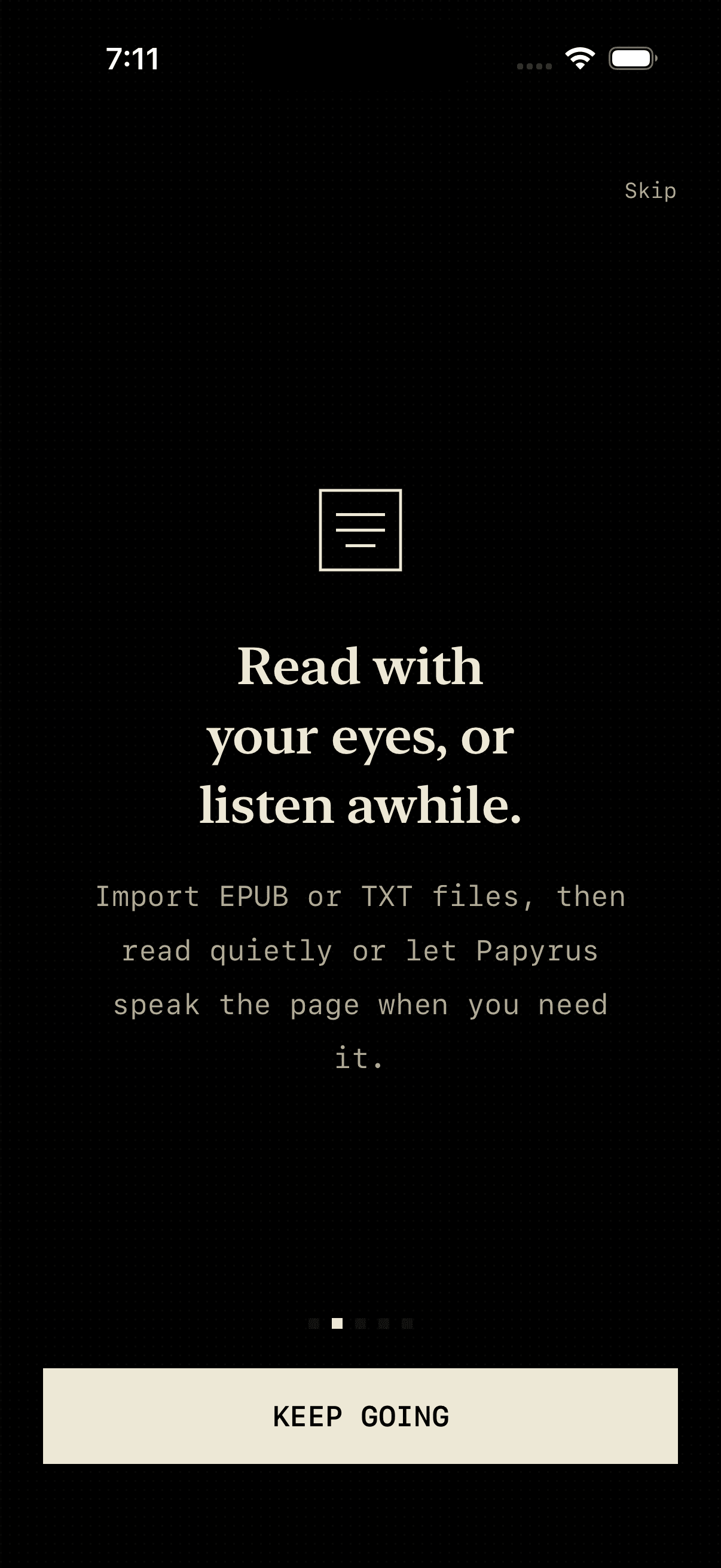
Papyrus can speak the current page using voices available on your iPhone. Adjust the voice and pace, then keep listening when the screen locks or the app moves to the background.
Every feature has to earn its place beside the text.
Minimal reader chrome keeps the book dominant, with progress and controls available on demand.
Read-aloud uses iPhone voices with adjustable speech rate and background audio support.
Books and reading progress stay on your device. There is no public profile or reading leaderboard.
The practical details about files, offline reading, purchases, and privacy.
Papyrus imports EPUB and plain-text TXT files. You can add books from the Files picker or download supported public-domain editions through the built-in Project Gutenberg search.
Yes. Books already in your library, reading progress, appearance controls, and read-aloud work from the copy stored on your device. Searching Project Gutenberg, downloading a new book, and checking purchases require a connection.
Yes. Built-in speech can read the current page aloud, with controls for voice and speaking rate. It uses the voices available on your iPhone.
Imported books and reading progress are stored locally on your device for the current app experience. Papyrus does not publish your reading activity or add a public profile.
Search metadata is provided by Gutendex. A download begins only after you choose a book, and the resulting file is saved into your local Papyrus library.
Purchases are processed through Apple and managed with RevenueCat. Availability, cancellation, refunds, and billing follow Apple App Store rules.
Papyrus is designed for iPhone and currently requires iOS 26 or later.
Email krishna@serendipitylabs.in with a short description of the issue. If possible, include your iPhone model, iOS version, and the file type you were trying to open.
Tell us what happened and what you were trying to read. We read every support email.